
- Go to inbox
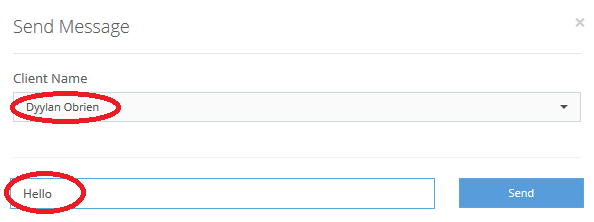
- Click on send message to initiate a new chat with a client

3. Select the client name you wish to send the message to

4. Type in the message to be sent and click on send.
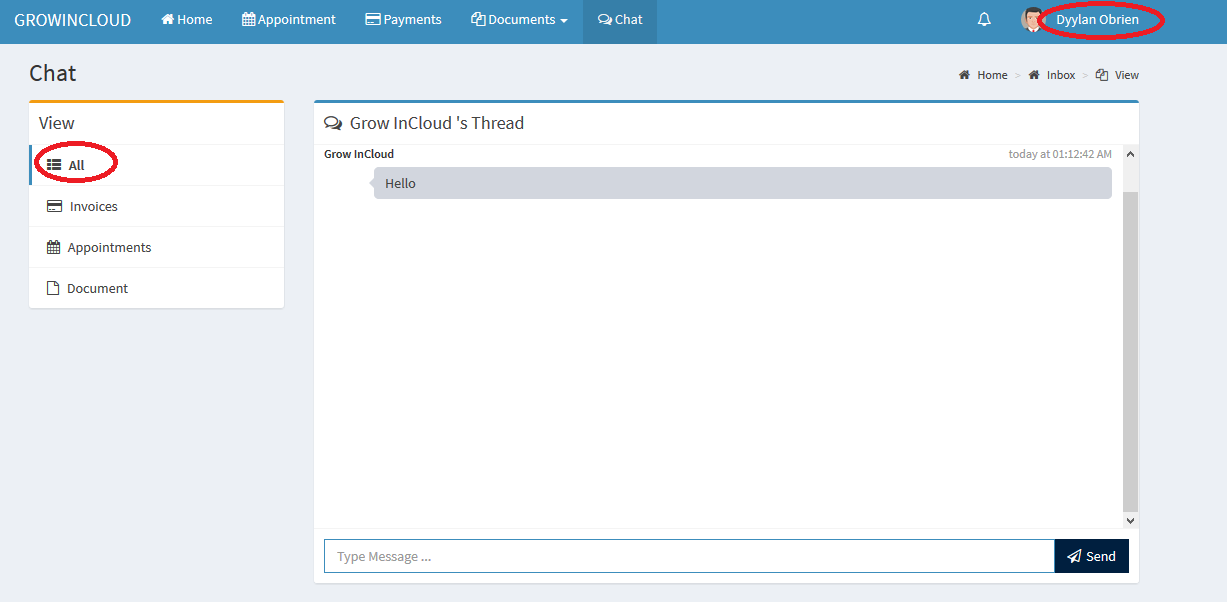
5. All sent messages will appear in Client’s Chat Thread within the inbox
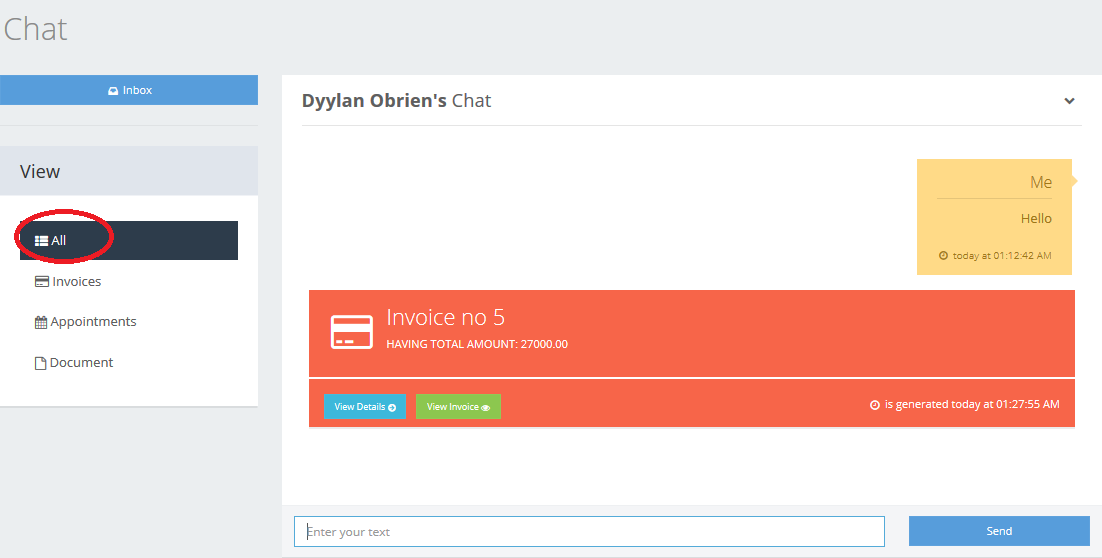
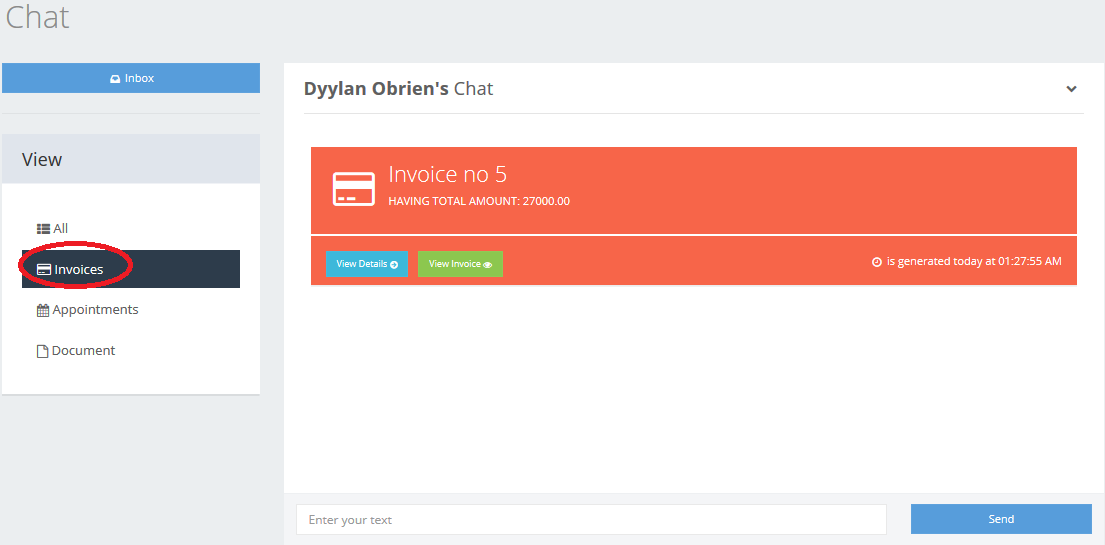
6. You can also view other actions performed such as invoices sent, appointments scheduled or completed and documents shared with the same client under the chat thread.
Comments
0 comments
Please sign in to leave a comment.