
Click on ‘Purchases in the navigation bar. Under ‘Purchases’ there is a tab named ‘New Purchase. Click on it and it will take you to the ‘New Purchase' Following screen.
Now fill the required fields according to your purchases.
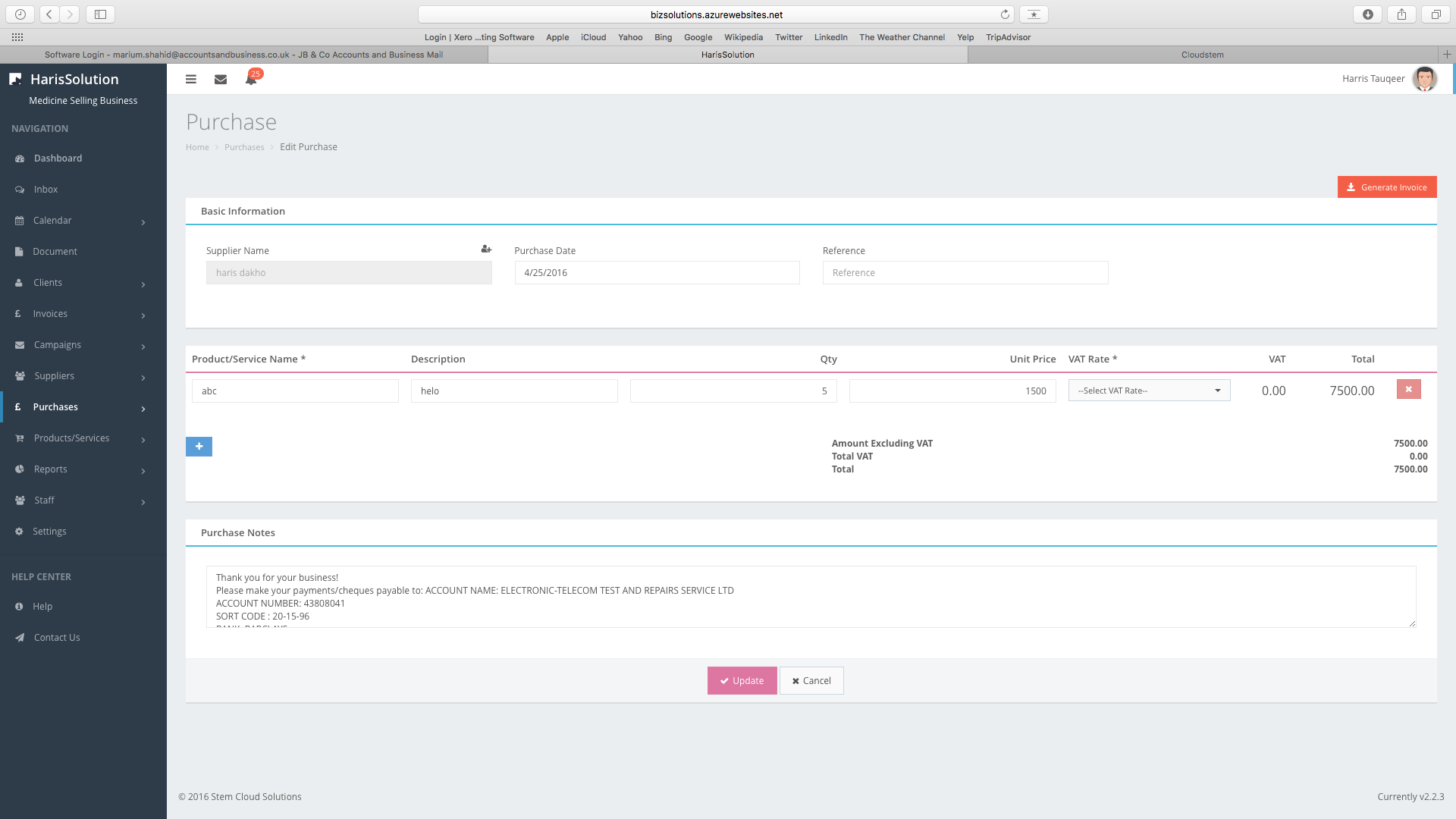
After saving purchases it will take you to 'Purchase Invoice Details'. You can print off the invoice by hitting the print tab at the bottom of the page.

Comments
0 comments
Please sign in to leave a comment.