
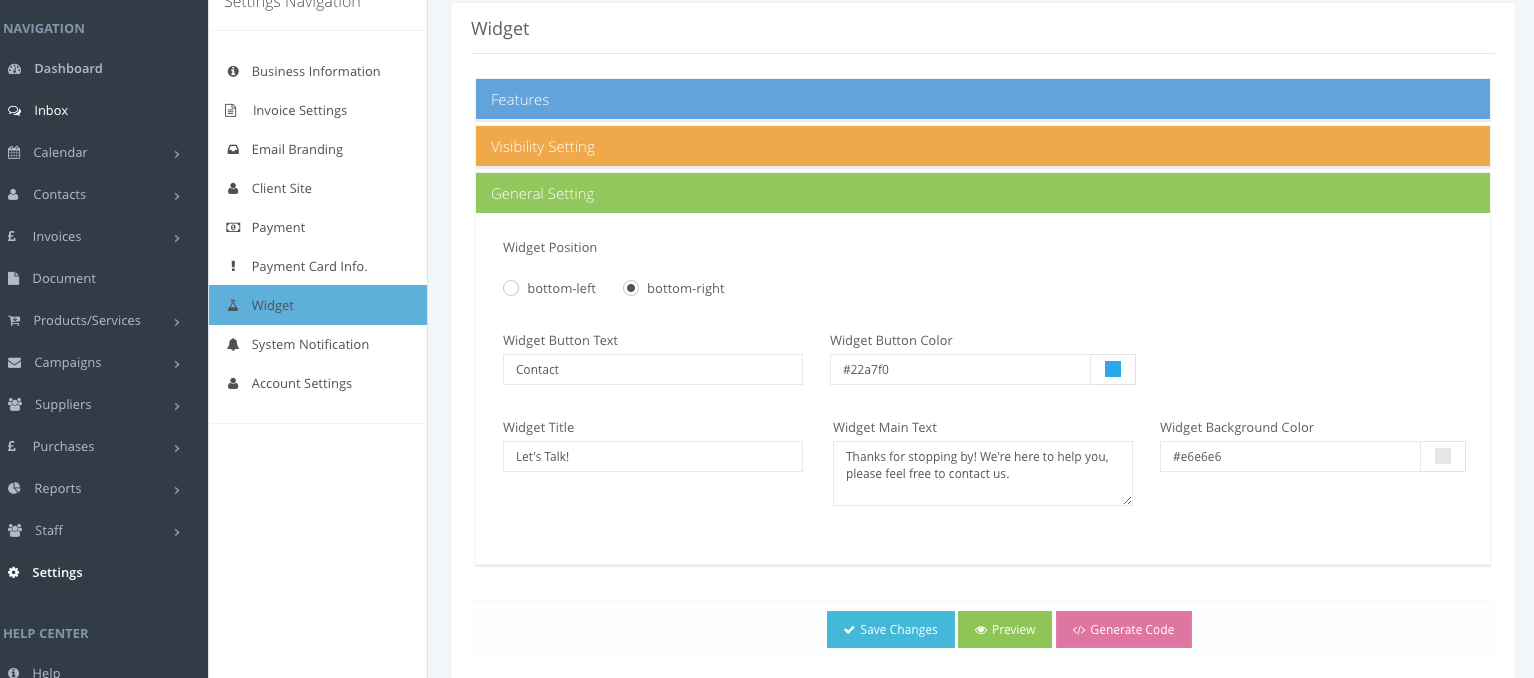
If you want to customize a widget to suit your website needs. Grow in Cloud allows you to customise the positioning, color, order and title and description text.
Widget can be customized from Settings – Widget
Feature Settings:
- If you want to hide or show any feature toggle the feature switch off or on.
- You can change the text of feature in widget by editing the text field in respective feature.
- You can change the color of feature button in widget by selecting the color from picker.
- You can also change the the Widget Positioning according to your website layout.
- You can also change the order of feature list by sort order (lowest order will appear first in widget).
Comments
0 comments
Please sign in to leave a comment.